Loopa
Loopa
Press kit
Everything for writing about Loopa: facts, descriptions and images, free to use in coverage.
Download all · ZIP, 10 MBFacts
- Developer
- Ilija Ruzic
- First release
- Platforms
- Windows · macOS · iOS · Android · Linux
- Price
- $9.99 – $19.99 (US; varies by country)
- Languages
- English, Српски, Русский, Italiano, Hrvatski, Deutsch, Español, Français, Polski, Português, Türkçe, 日本語, 한국어, 简体中文, 繁體中文
- Website
- loopa.ilijaruzic.rs
- Press contact
- [email protected]
Short description
Loopa is an advanced simulator for nonlinear dynamical systems, chaos theory, and mathematical modeling.
Description
Loopa is an advanced simulator for nonlinear dynamical systems, chaos theory, and mathematical modeling.
Explore the fascinating world of nonlinear dynamics through interactive simulations and mathematical models. Observe how small changes in parameters can lead to dramatically different behaviors and gain deeper insight into complex systems.
- 90+ continuous systems: Lorenz, Rössler, Chen, Aizawa, Lü, the full Sprott family, hyperchaotic 4D attractors, Duffing, Van der Pol, FitzHugh-Nagumo, Hindmarsh-Rose, Lotka-Volterra, Chua Circuit, Double Pendulum, and more
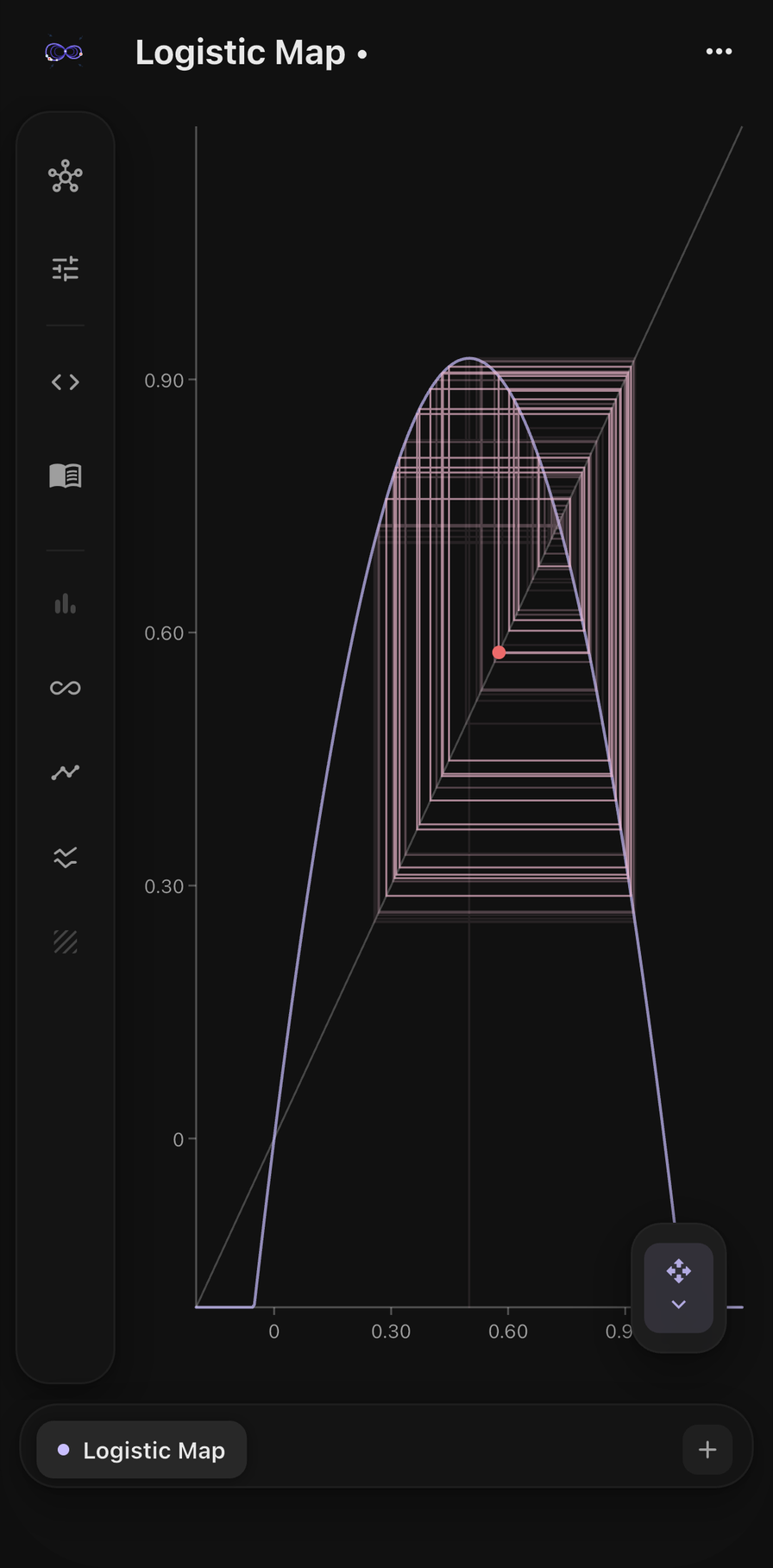
- 35+ discrete maps: Logistic, Hénon, Tent, Standard, Gauss, Sine, Circle, Lozi, Ikeda, Tinkerbell, Baker, Bogdanov, Kaplan-Yorke, Zaslavskii, Arnold Cat Map, and more with cobweb diagram visualization
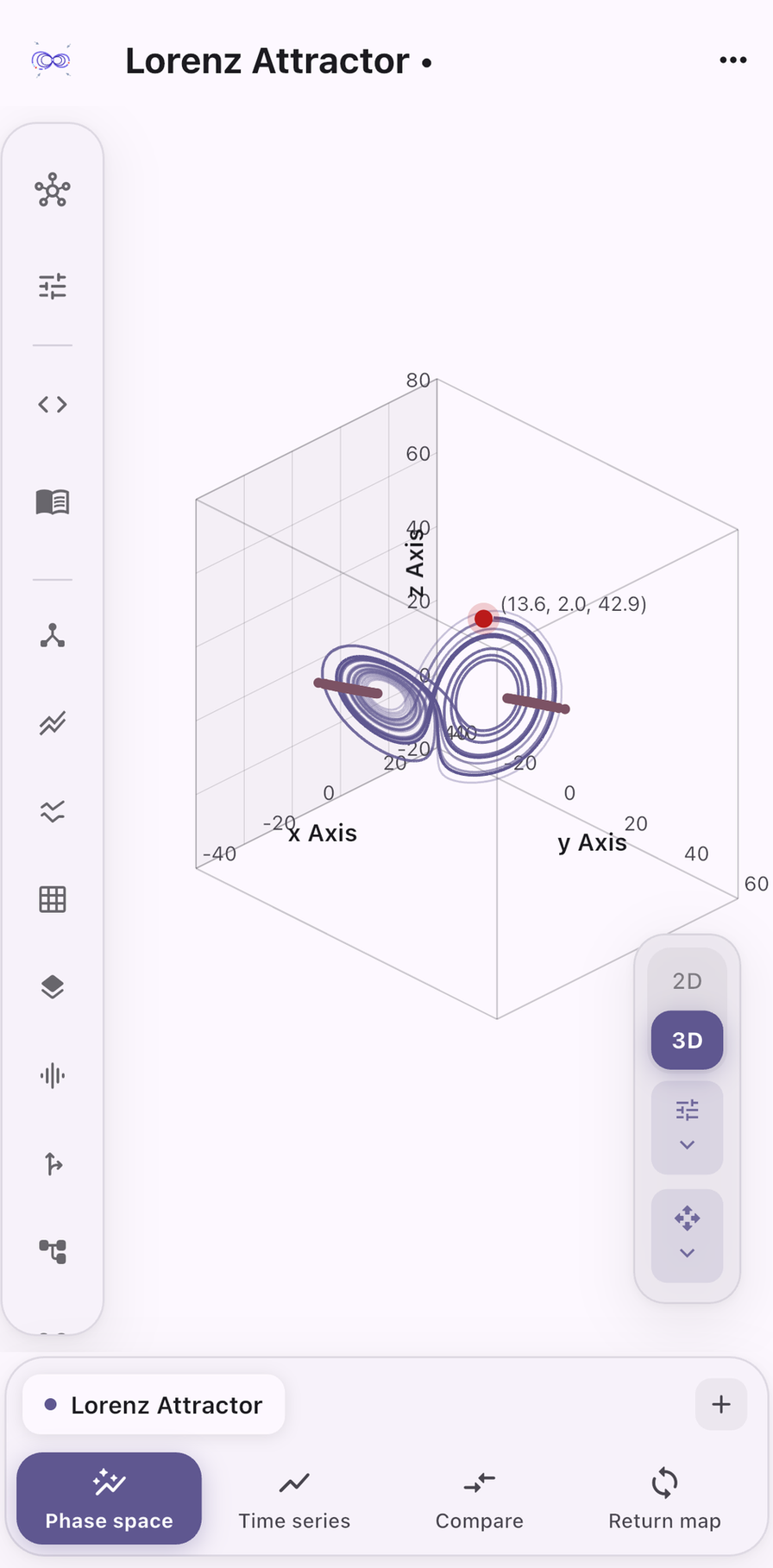
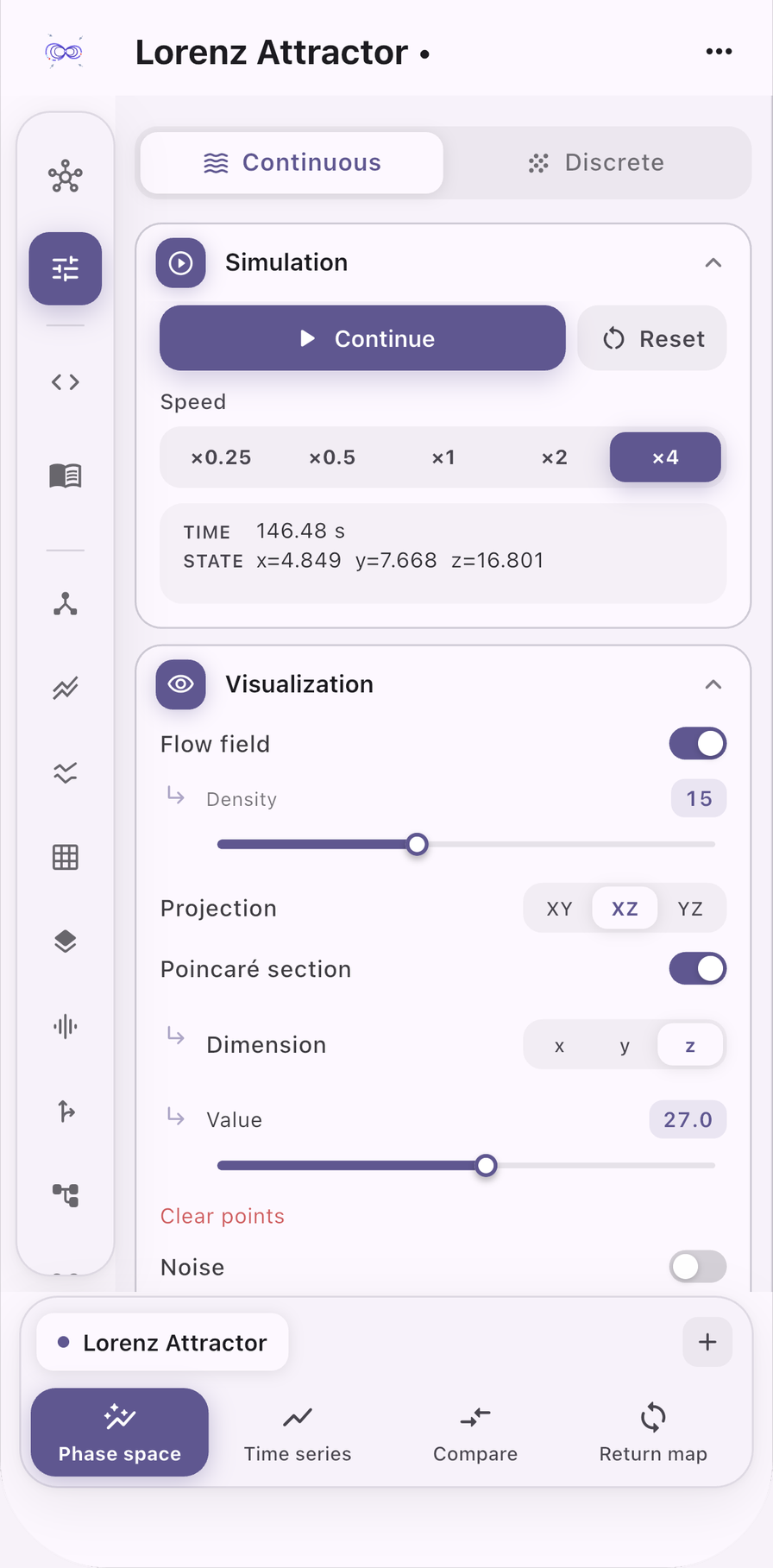
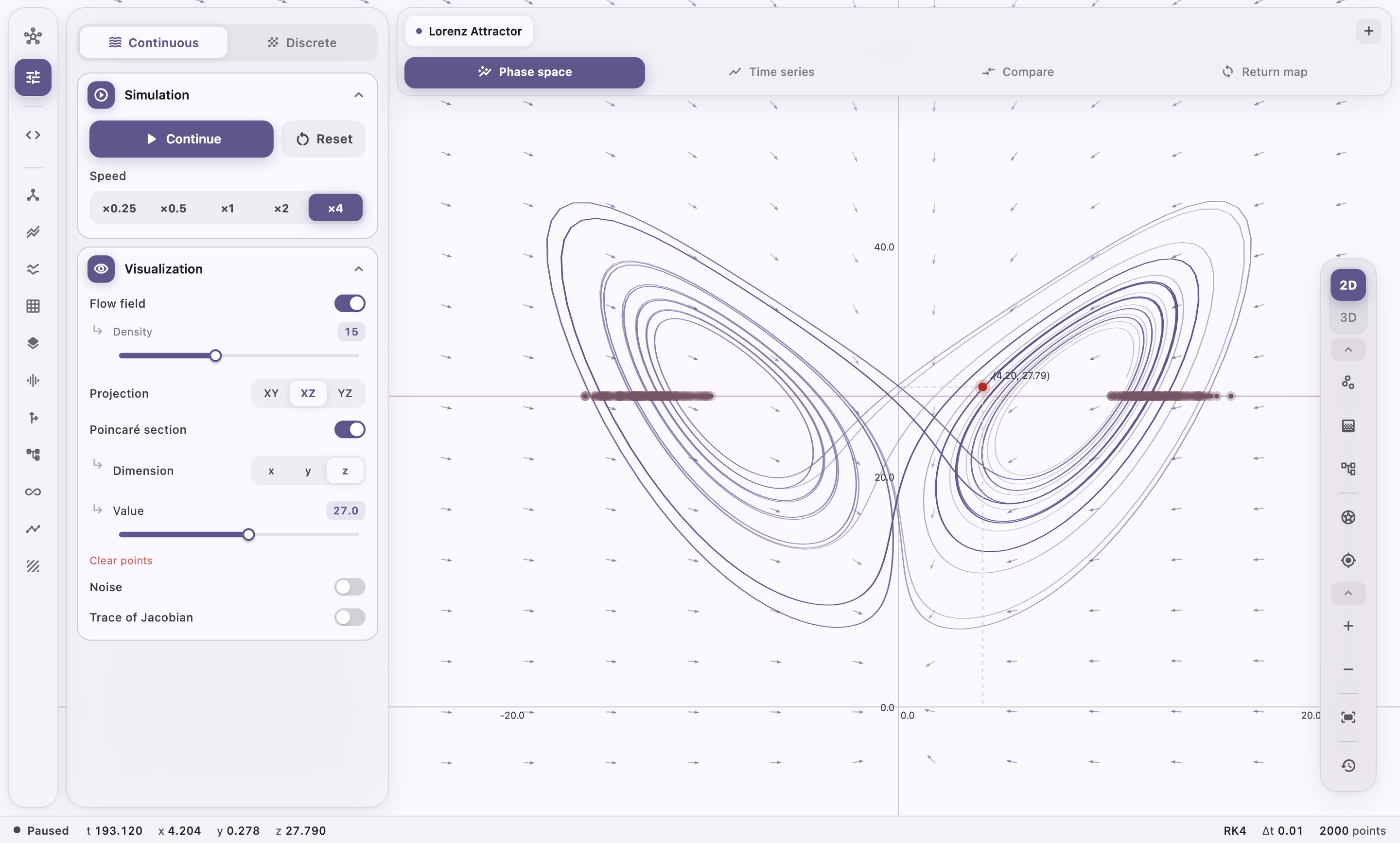
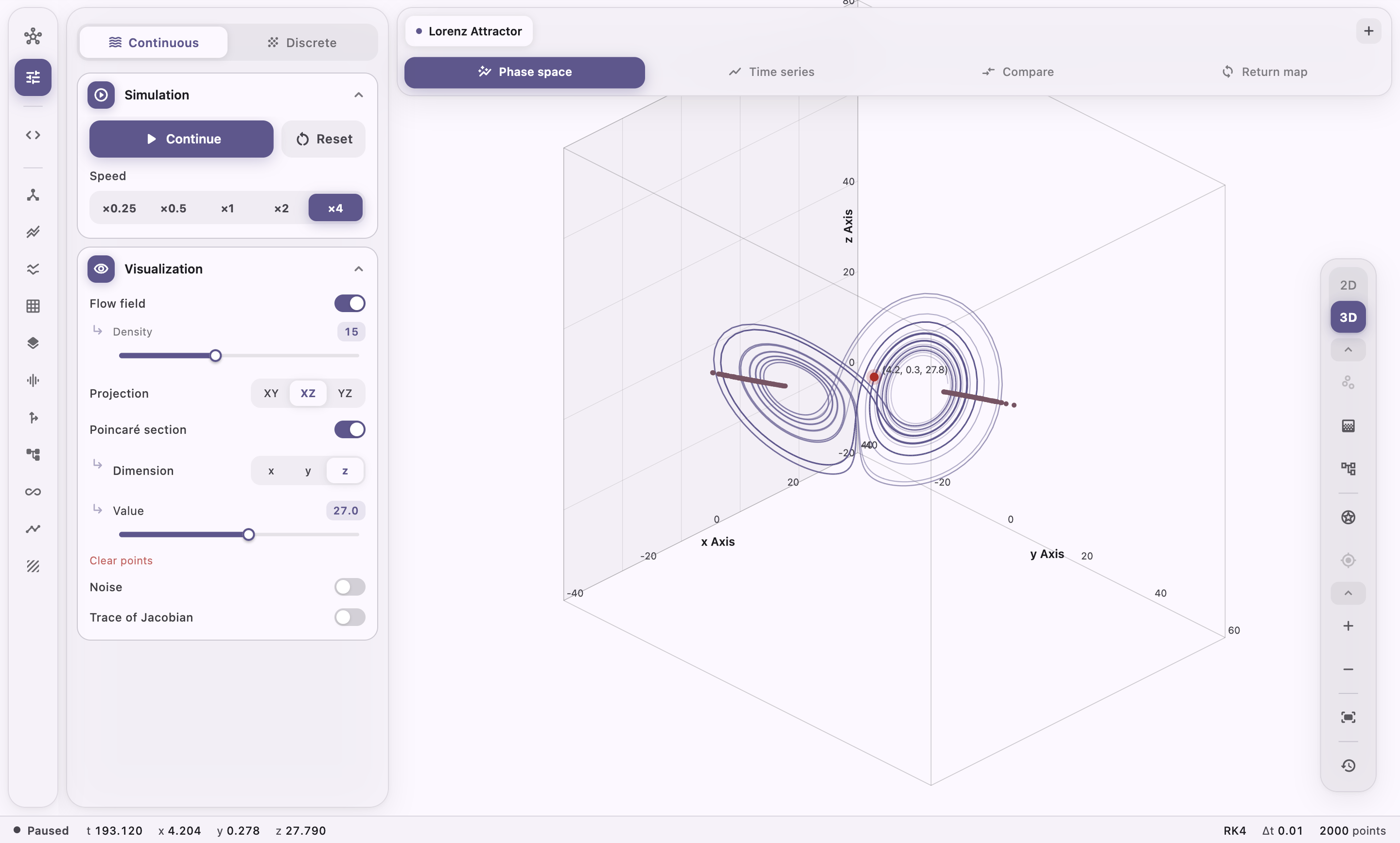
- 2D and 3D phase space visualization with nullclines, flow fields, and speed-based coloring
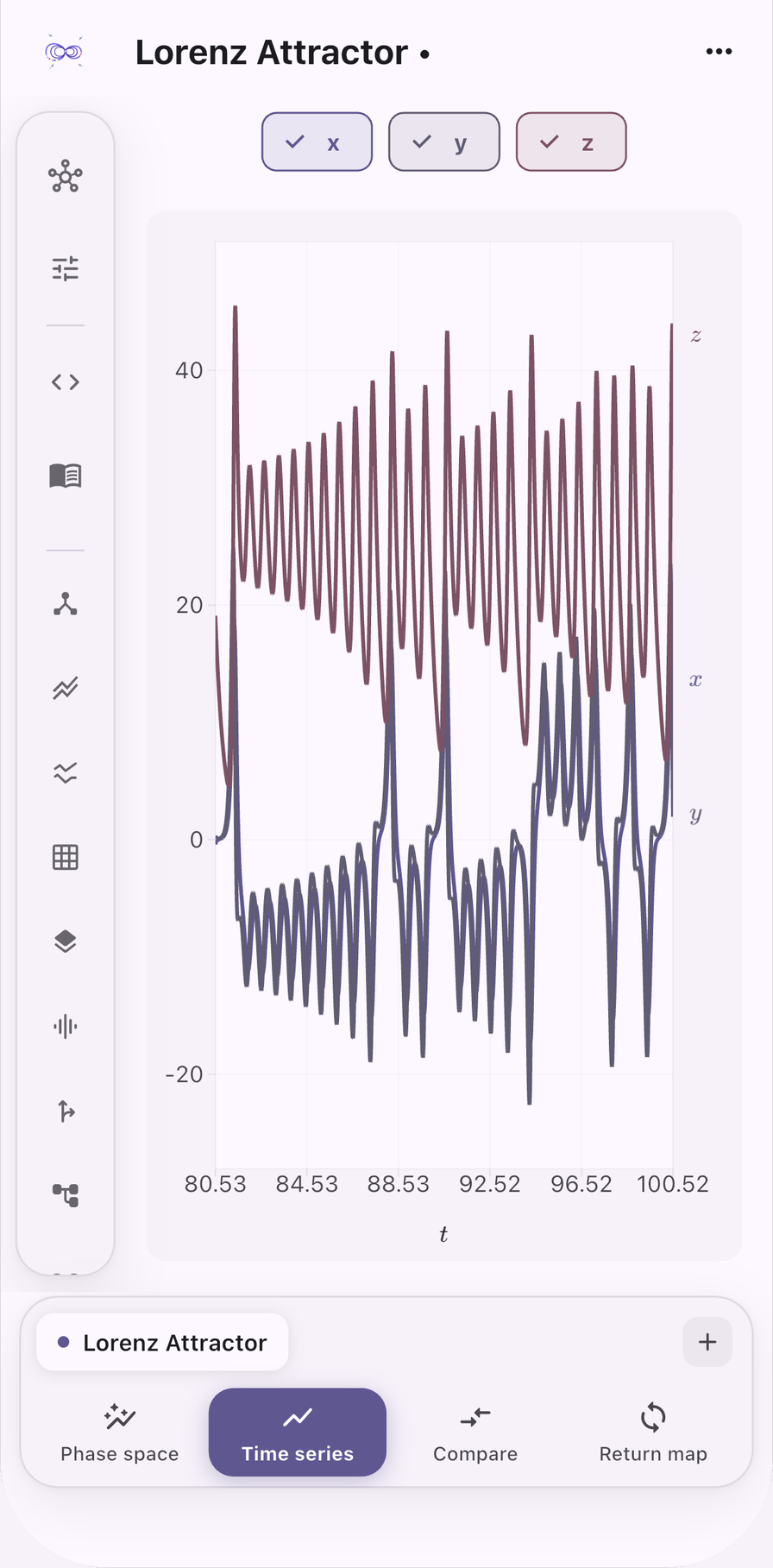
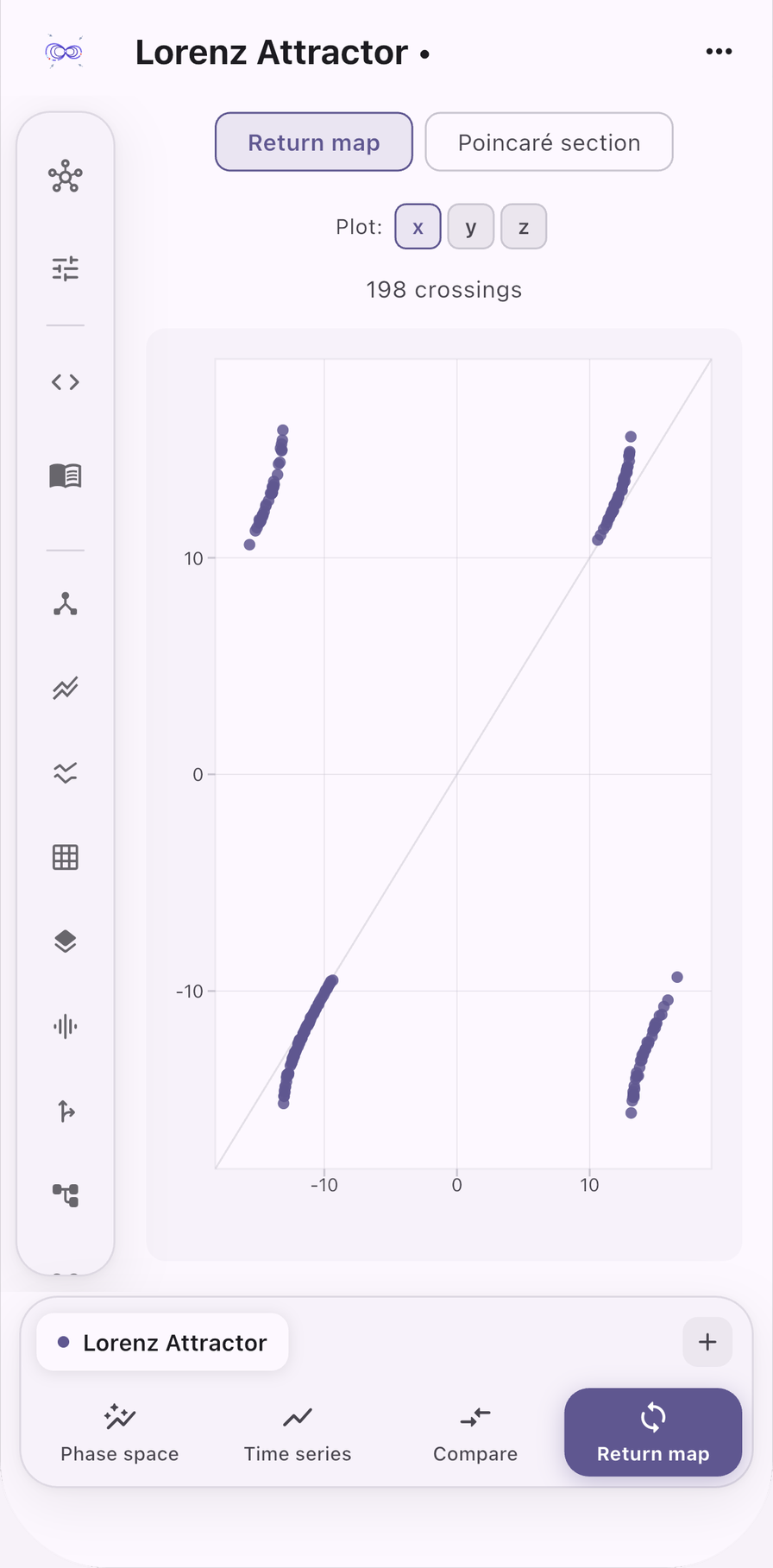
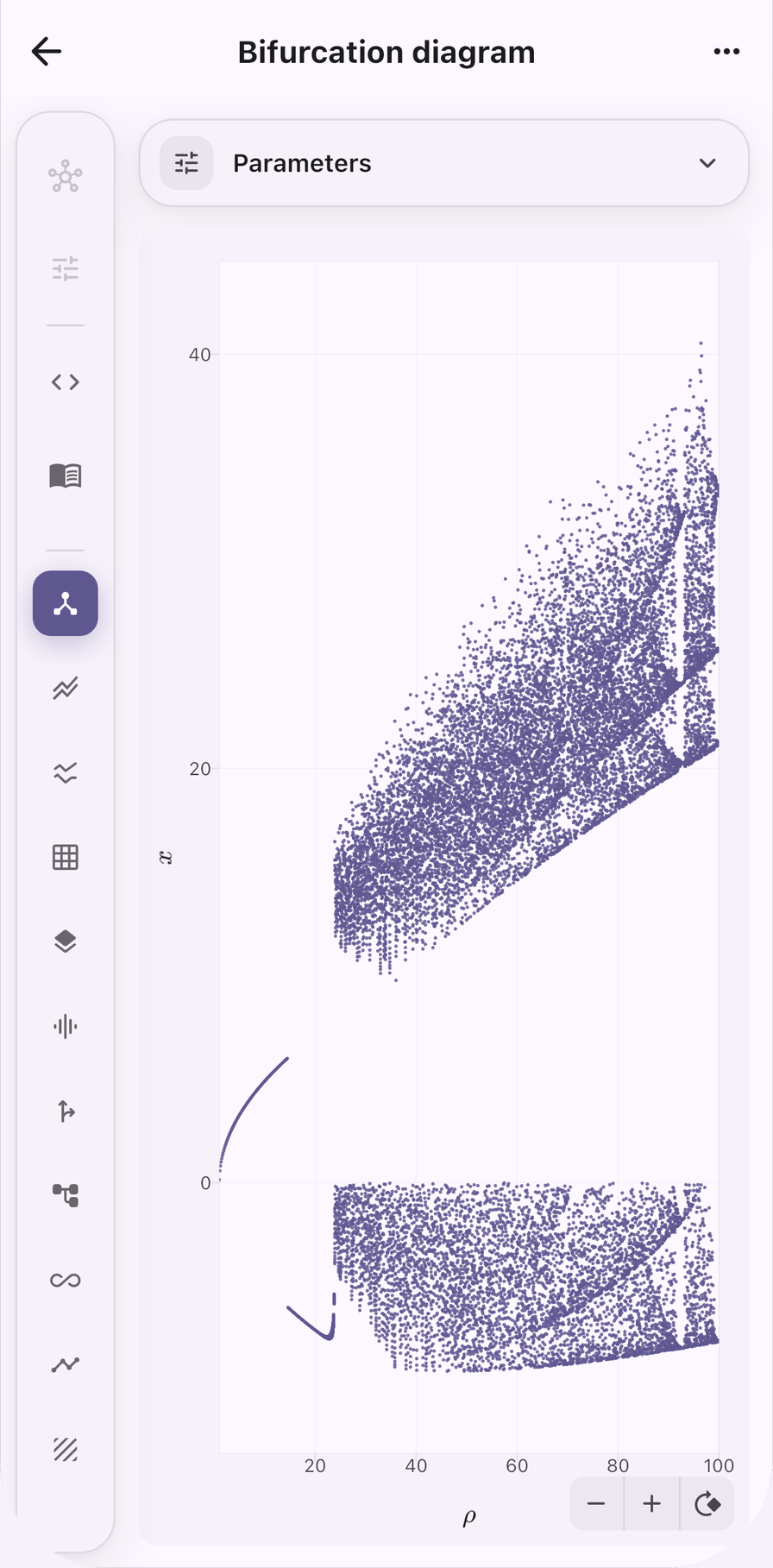
- Comprehensive analysis tools: bifurcation diagrams, Lyapunov exponents and spectra with the Kaplan–Yorke dimension, the 0–1 test for chaos, recurrence plots, basins of attraction, power spectra, sensitivity to initial conditions, stable and unstable manifolds, and orbit diagrams
- Periodic orbits, equilibrium continuation with limit cycles, and two-parameter planes
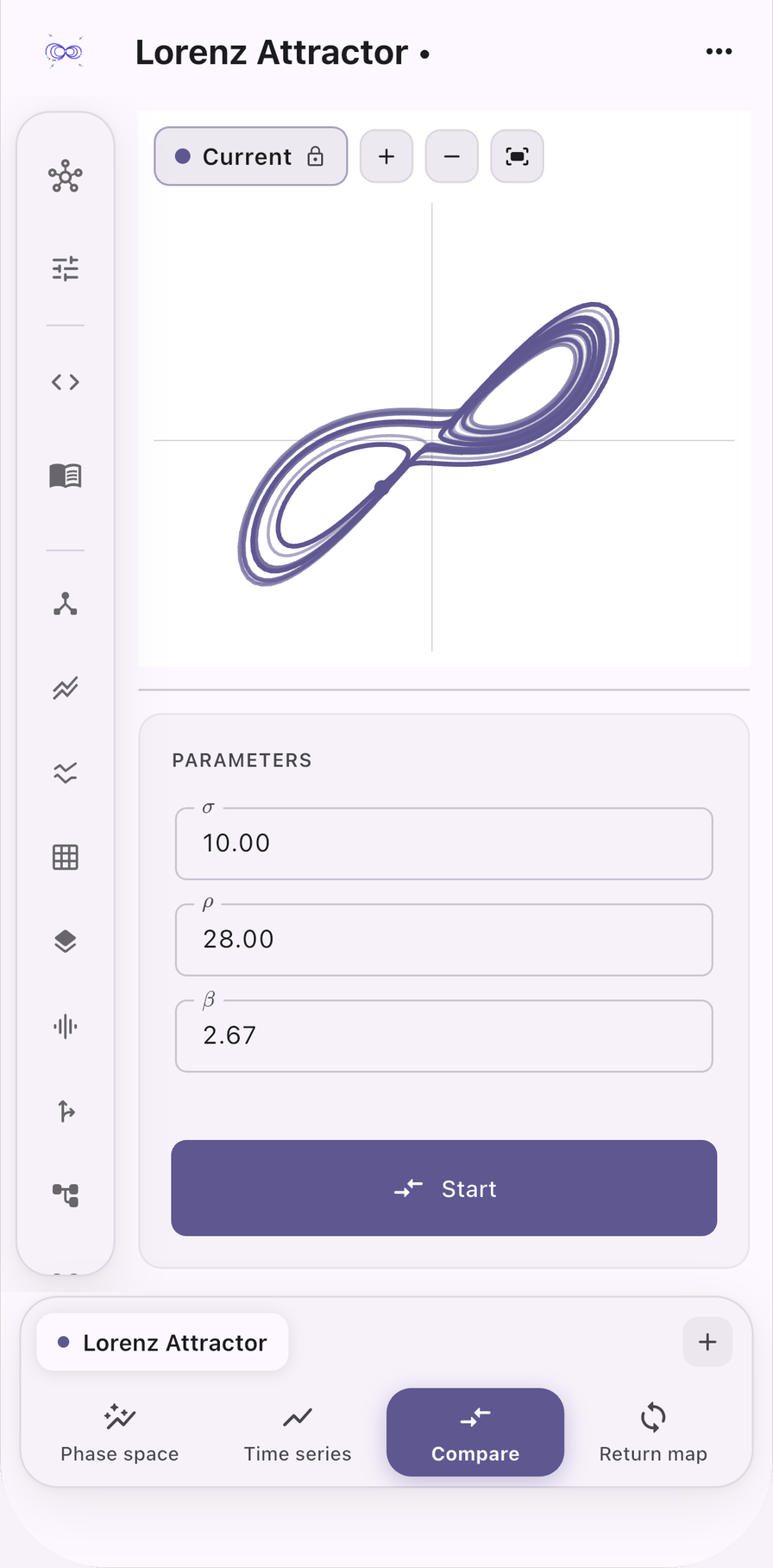
- Multiple simulation slots for parallel exploration and side-by-side comparison
- Custom system editor for user-defined equations
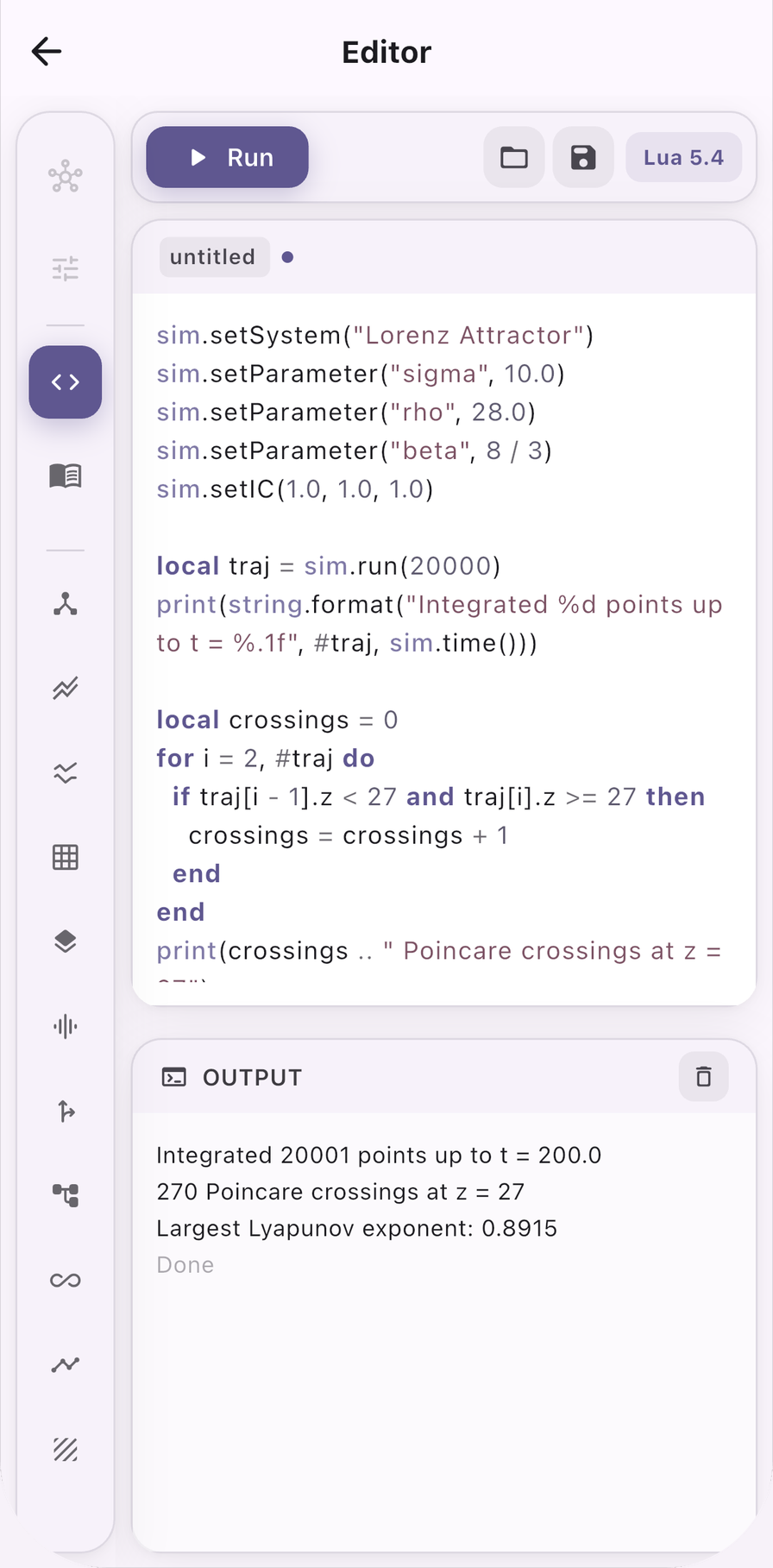
- Lua scripting to automate simulations and analyses
- Home screen widgets to run simulations and adjust parameters
- Export results to SVG, PDF, PNG, and CSV
Images
Desktop
 Screenshot 1 ↓
 Screenshot 2 ↓
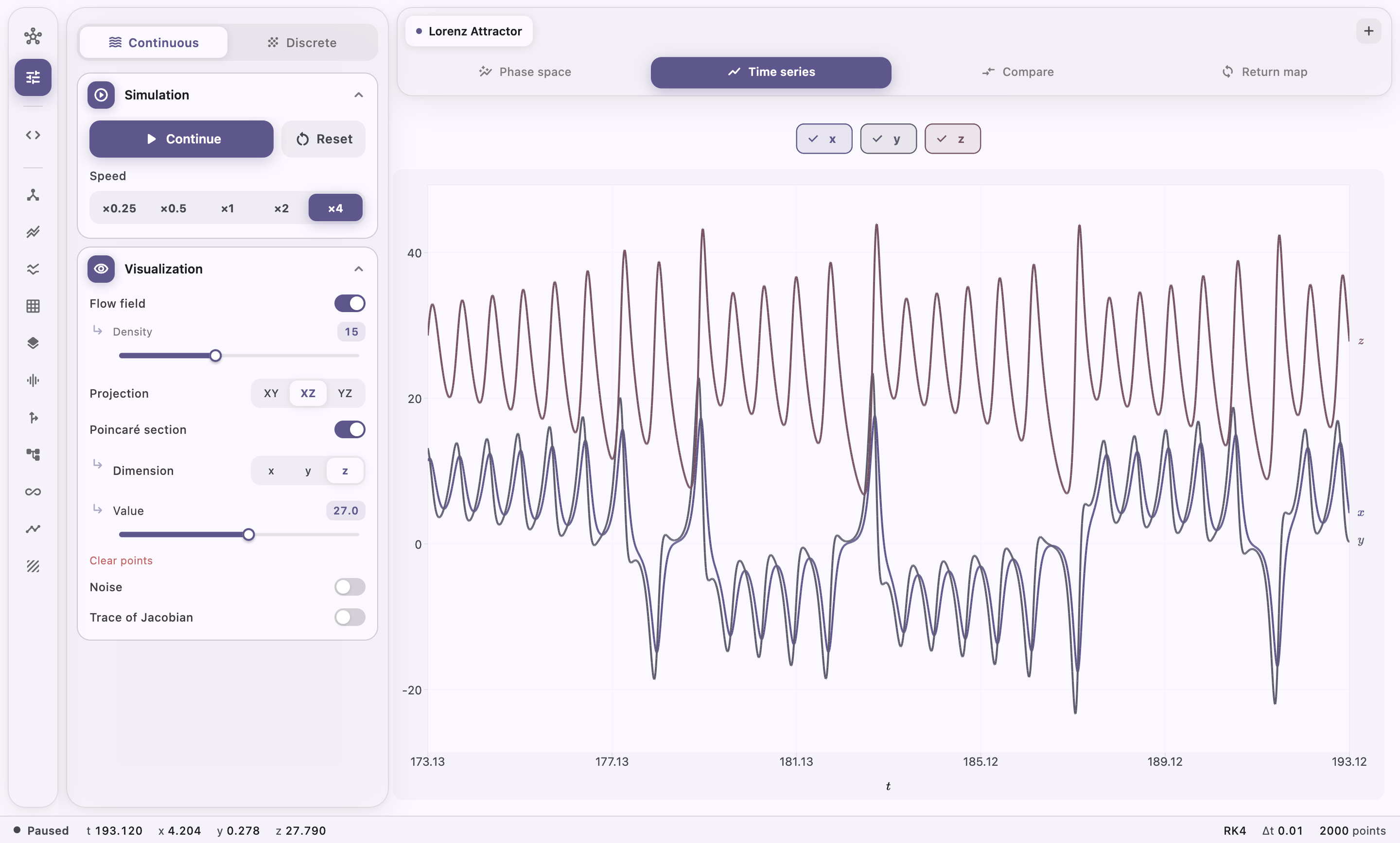 Screenshot 3 ↓
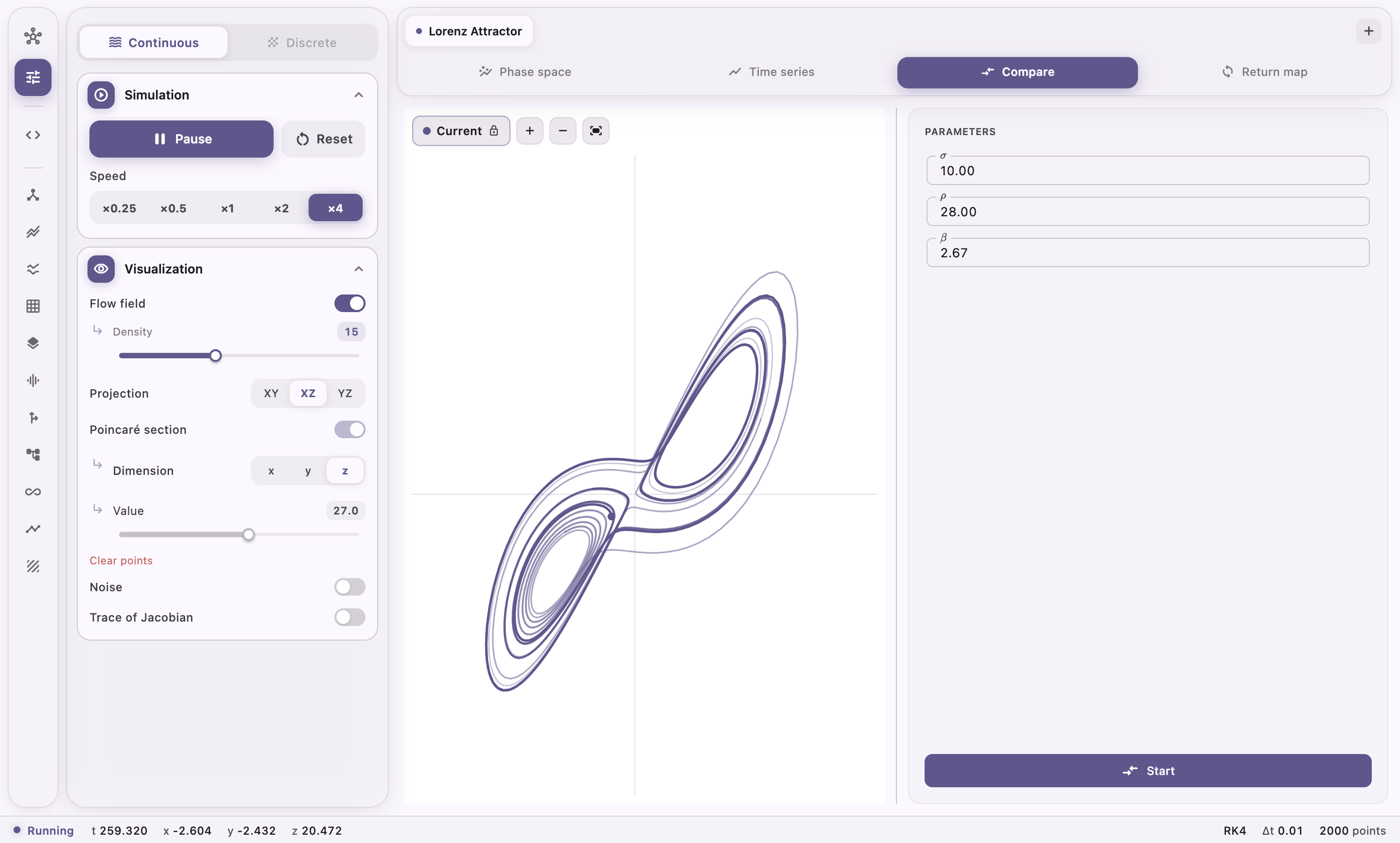 Screenshot 4 ↓
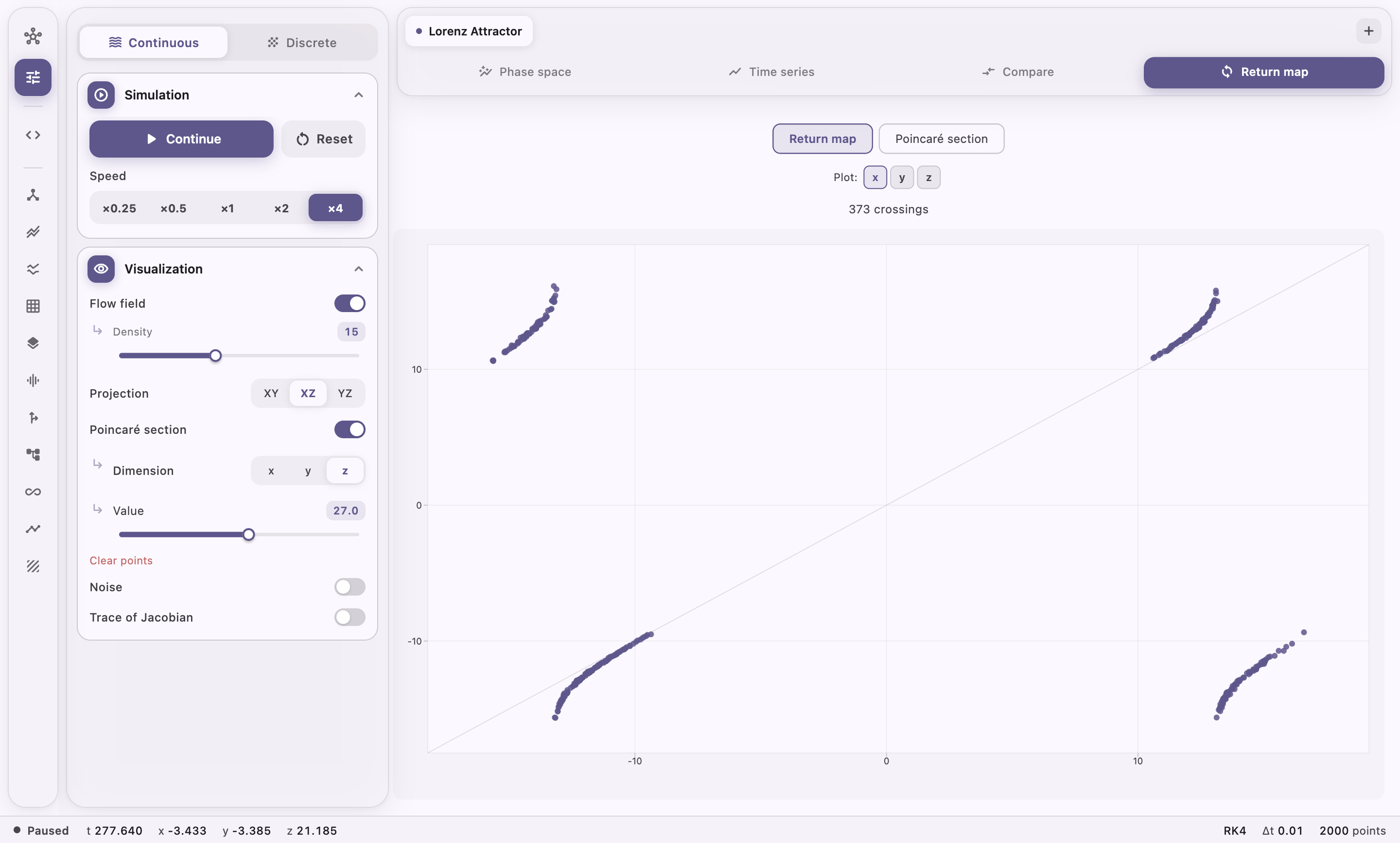 Screenshot 5 ↓
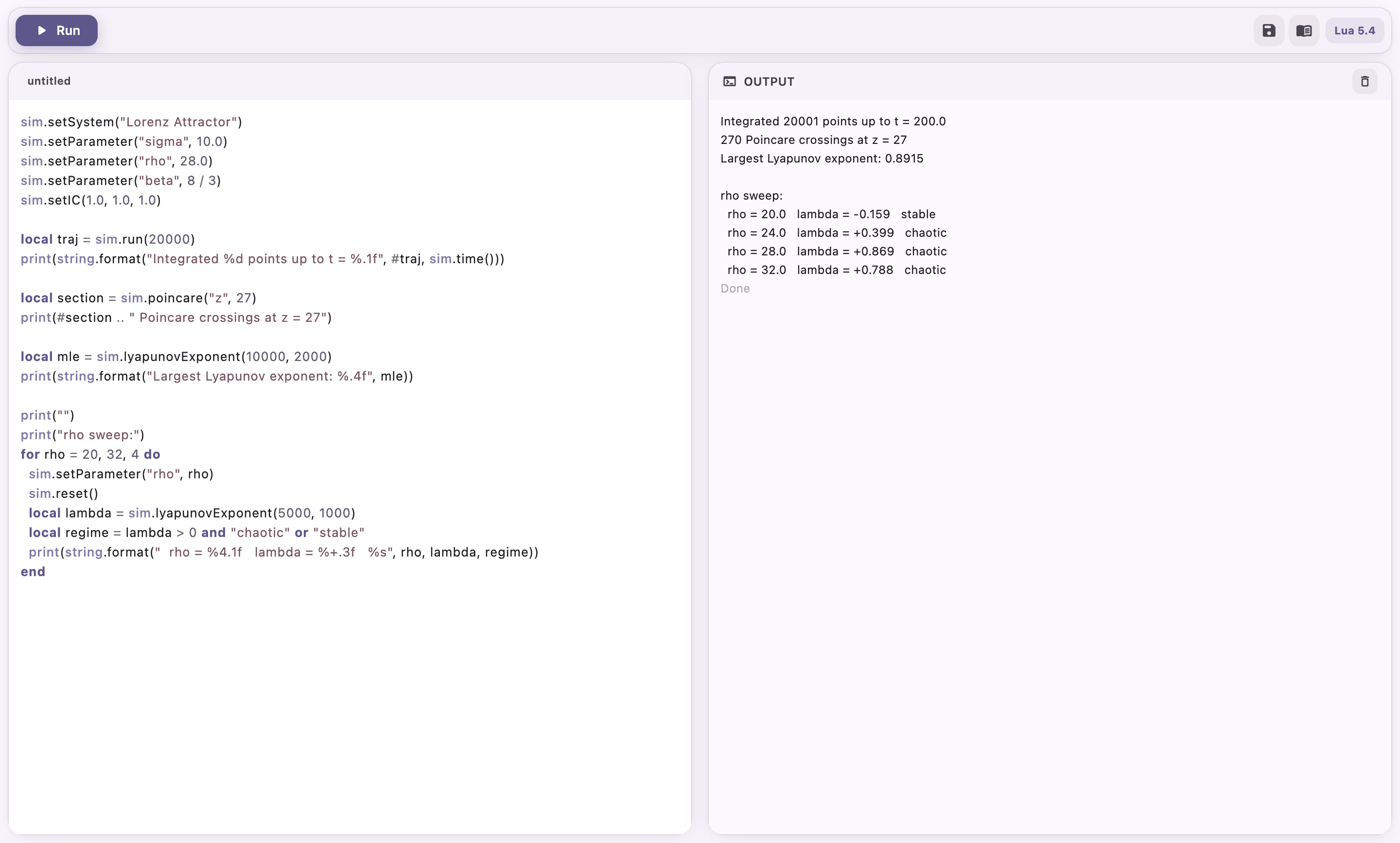 Screenshot 6 ↓
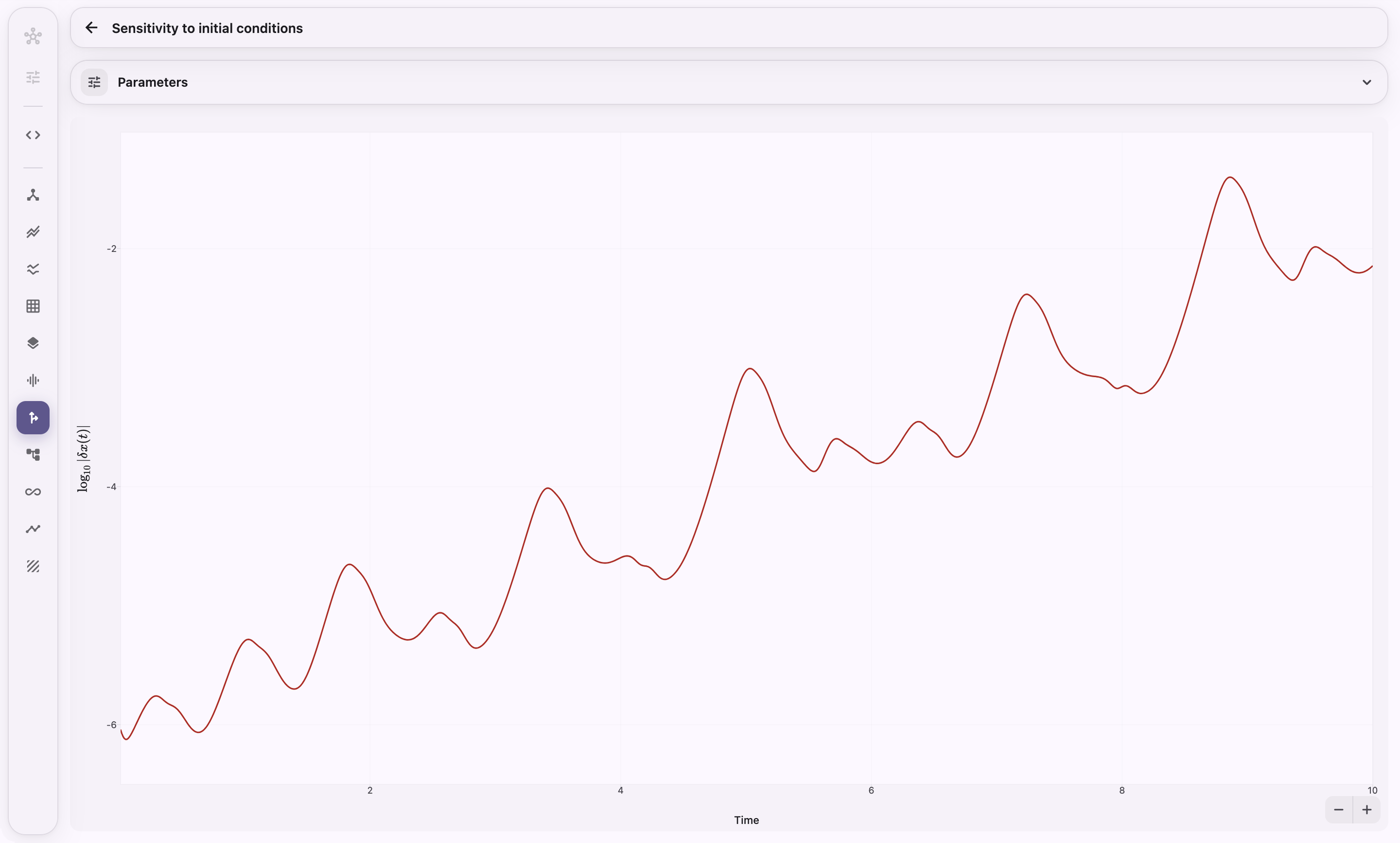 Screenshot 7 ↓
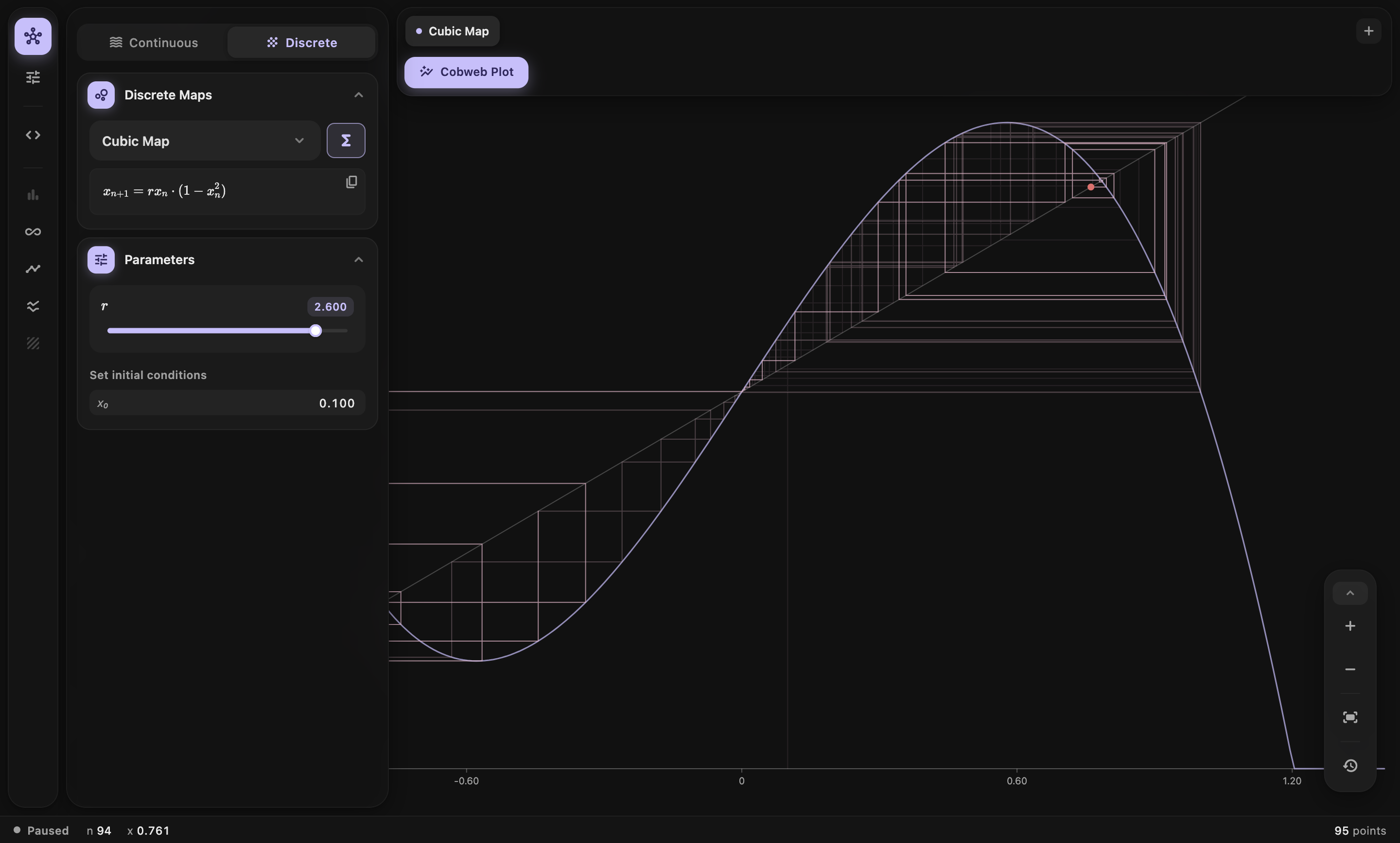 Screenshot 8 ↓